Read Web Novels on Your Phone Without an App
July 17, 2026
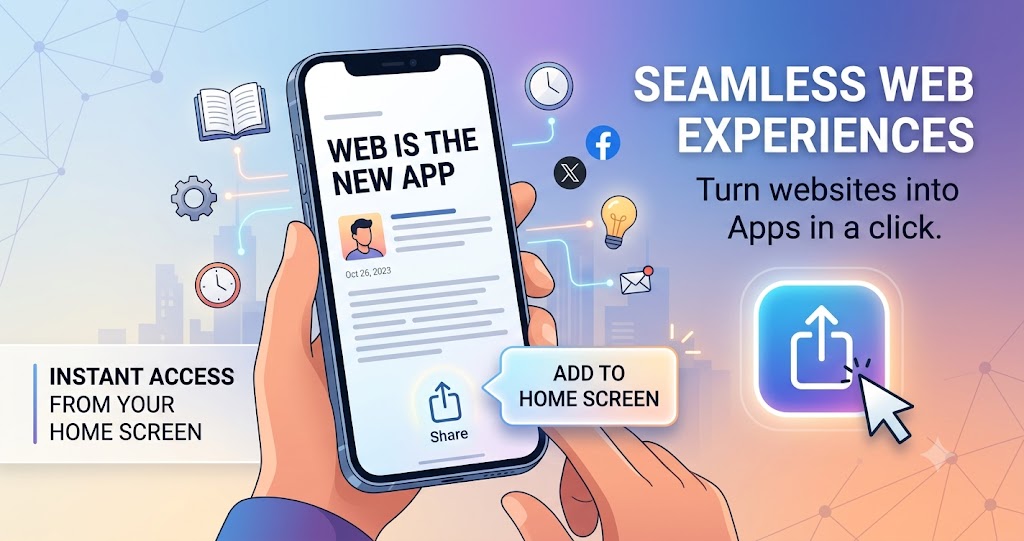
You don't need to download anything to read web novels comfortably on your phone. Here's the honest, two-minute version — no app store, no account wall, no storage taken up on your device.
Why skip the app at all
Native reading apps ask for a lot before you've even read a page: a download, storage space, sometimes notification permissions or an account. And once installed, most of them still lock chapters behind the exact coin system we wrote about here. If all you want is to read, a website that's built for reading does the job without any of that overhead.
The setup: Add to Home Screen
Every modern phone browser can turn a website into something that looks and feels like an app — full screen, its own icon, no browser bar. It's called "Add to Home Screen," and it takes about thirty seconds.
On iPhone (Safari):
- Open the site in Safari — not Chrome. (iOS only allows this shortcut from Safari.)
- Tap the Share icon at the bottom of the screen.
- Scroll down and tap Add to Home Screen.
- Tap Add in the top right.
On Android (Chrome):
- Open the site in Chrome.
- Tap the ⋮ menu in the top right.
- Tap Add to Home Screen (sometimes labeled Install app).
- Confirm.
That's it. You now have a full-screen icon that opens straight into the reader, no browser chrome, no app store, nothing to update.
What you actually get
- A fullscreen reader, indistinguishable from a native app once it's open.
- No download size. It's a bookmark with a nicer icon, not an install.
- Offline reading for chapters you've already opened. Once you've loaded a free chapter online, it can be read again offline on that same device.
- Nothing to uninstall later. If you're done, you drag the icon off your home screen like any shortcut — no app data lingering, no account to delete.
Try it on SweetNovel
SweetNovel (sweet-novel.net) is built this way on purpose — web-only, no Android or iOS app published anywhere. (If you've seen a "SweetNovel" app on Google Play or an app directory, that isn't us — we don't have one.) Every book has free preview chapters you can start reading right in the browser, then add the site to your home screen for the full-screen experience. Every chapter also has a built-in Listen mode if you'd rather have it narrated than read it — same no-app rule applies.
Start with a free chapter — no sign-in, no download, no coins. Or if there's a book you wish we had, tell us.
More from the blog
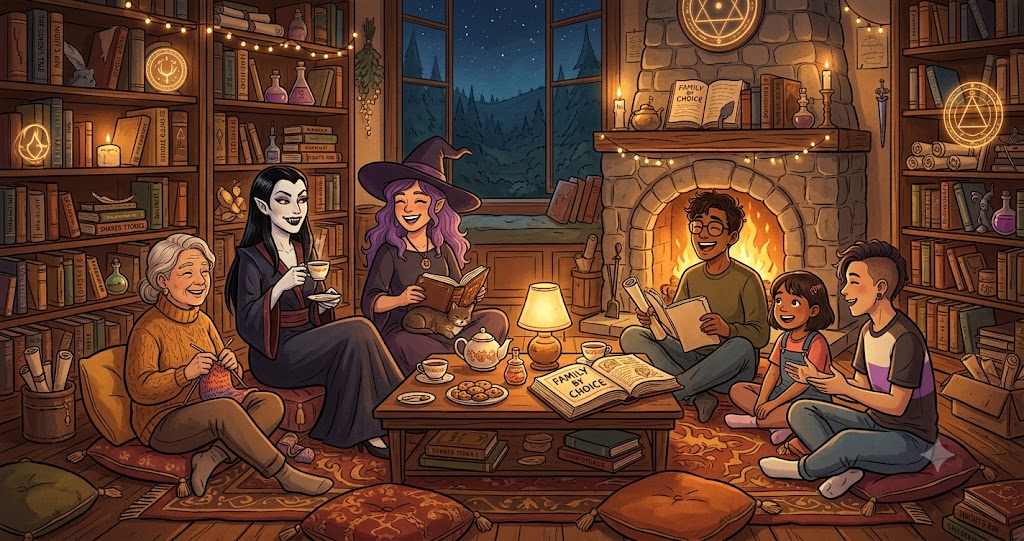
Found Family Romance Web Novels — Free to Start
Five free web novels on SweetNovel where the central romance shares the page with a found-family plot — from a vampire household to a witch coven, all with free preview chapters.
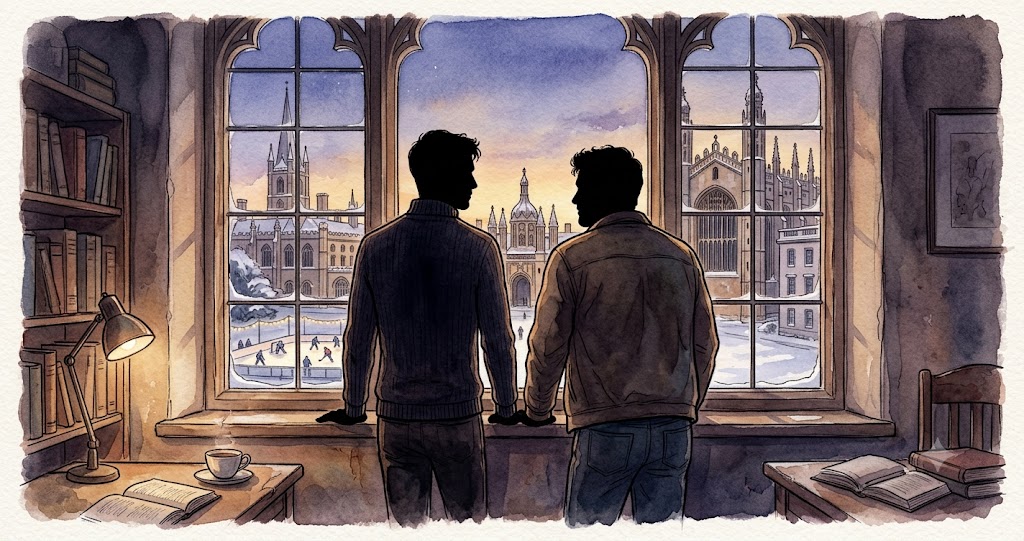
Free BL / M-M Romance Web Novels With Happy Endings
Four free-to-start M/M romance web novels on SweetNovel, all tagged for their ending upfront, from vampire found-family to a historical Cambridge slow burn.
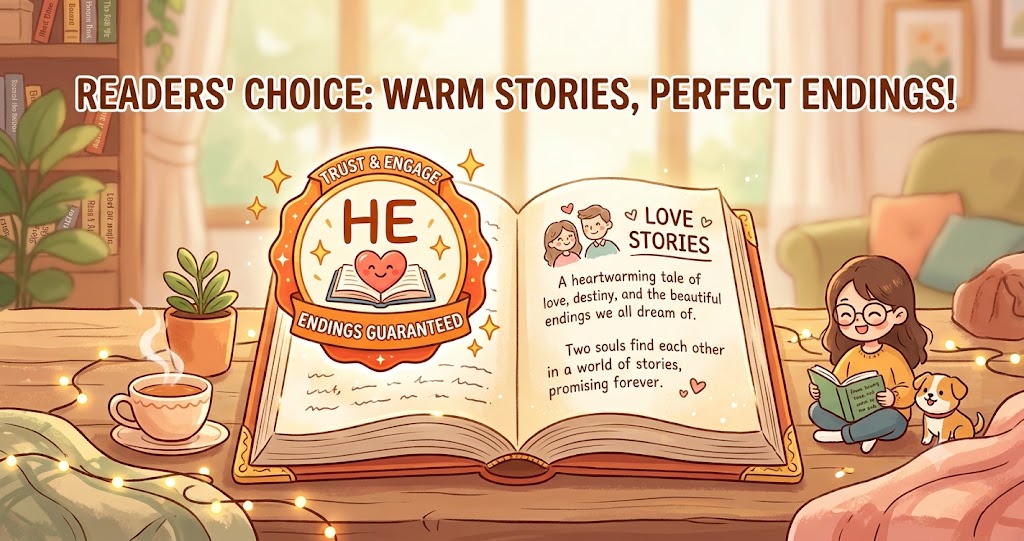
Web Novels With a Guaranteed Happy Ending — No Cliffhangers, No Guessing
Every book on SweetNovel is tagged HE, HFN, or something else honestly — before you invest a single chapter. Here's how the tagging works and which books to start with.